


Travel Essentials for Every Stage of Your Flight
Most packing advice treats a flight like a single event. Pack these things. Bring this list. Done. But flying is not one event. It is a sequence of very different moments, each with its own demands: the night-before pack, the security line, the gate wait, the hours at cruising altitude, and the scramble after landing.
The best flight essentials are not just good products. They are the right products at the right time. Here is how we think about what to carry, organized by when you actually reach for each piece.

|
TL;DR |
The Night Before: Pack Your Access Layer
The most common packing mistake is not overpacking. It is burying the things you need most. Your main bag can be perfectly organized, but if your cables, earbuds, passport, and charging gear are scattered across its pockets, every checkpoint becomes a scavenger hunt.
The fix is simple: separate your access layer from your main luggage. Think of it as everything you will need to reach without unzipping your primary bag during the trip.

Round Up Your Cables and Tech
Start with the small items that cause the most friction: charging cables, earbuds, adapters, a lip balm, maybe a pen for customs forms. Left loose, these migrate to the bottom of your bag and tangle with everything else.
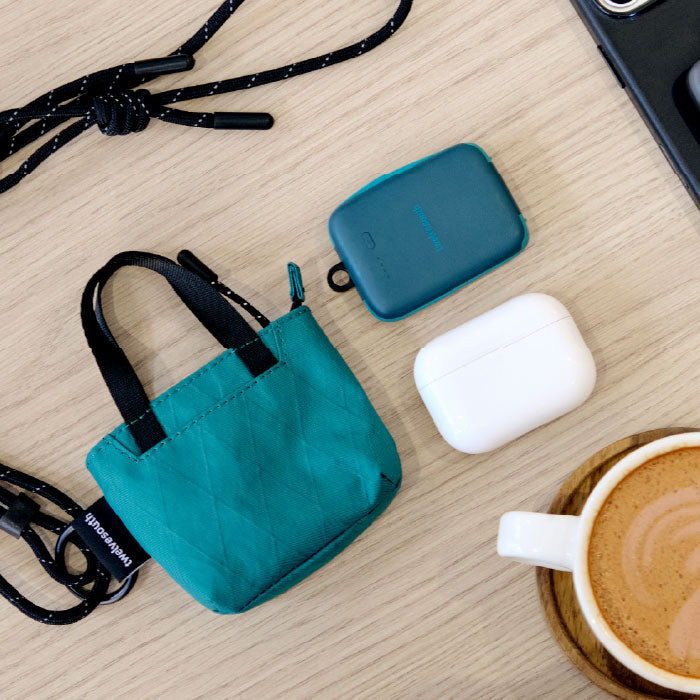
A dedicated tech pouch solves this, such as our Flight Pouch. It’s sized exactly for this role and keeps travel tech accessories secured and easily locatable when you need them.
A pre-flight tip worth building into your routine: charge your noise-cancelling headphones and any portable batteries the night before you pack them. Arriving at the airport with a dead power bank defeats the purpose.
Get Your Documents Flight-Ready
Passport, boarding pass, ID, any printed confirmations, and a card for incidentals. These get accessed at check-in, security, the gate, and immigration on the other end. That is at least four touchpoints, and at each one you want to reach the same predictable spot.
Our Zip Passport Wallet keeps all of this together. If you prefer a single wallet that handles both daily carry and travel documents, the Zip Travel Wallet consolidates cards, cash, and passport into one slim profile.
Another small habit that pays off: add your boarding pass to your phone's wallet app as a backup. If your physical pass is in your Passport Wallet and your digital pass is on your phone, you are covered regardless of which is faster to pull out at the checkpoint.
Check-In to Security: Move Hands-Free
The walk from check-in to your gate is a series of small access demands. Show your boarding pass. Produce your ID. Pull your laptop out for screening. Put everything back. Then do it again at the gate.

Keep Your Essentials Within Reach
The principle here is simple: never set your bag down to find something. If you can walk and access at the same time, you are moving faster than everyone around you.
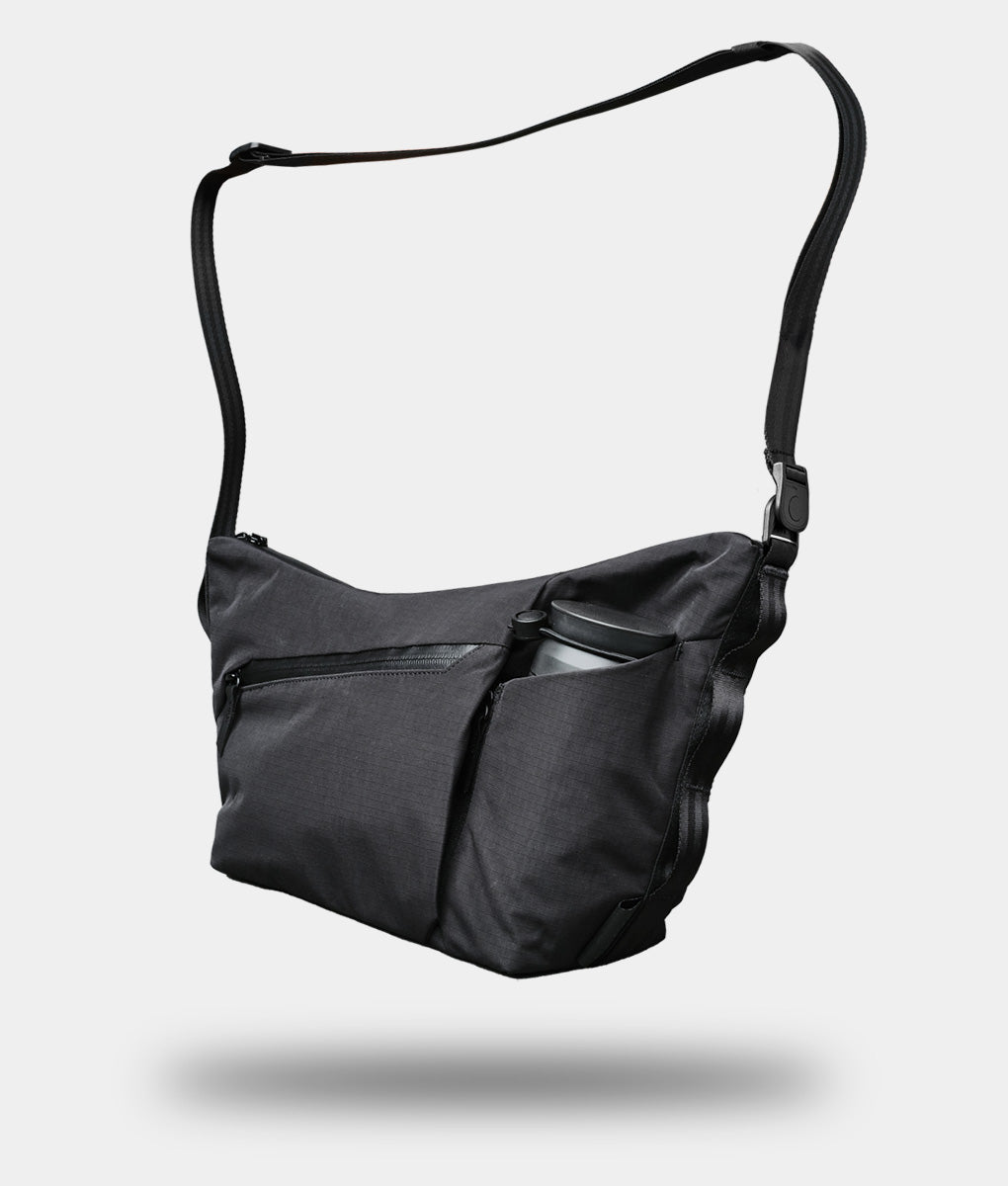
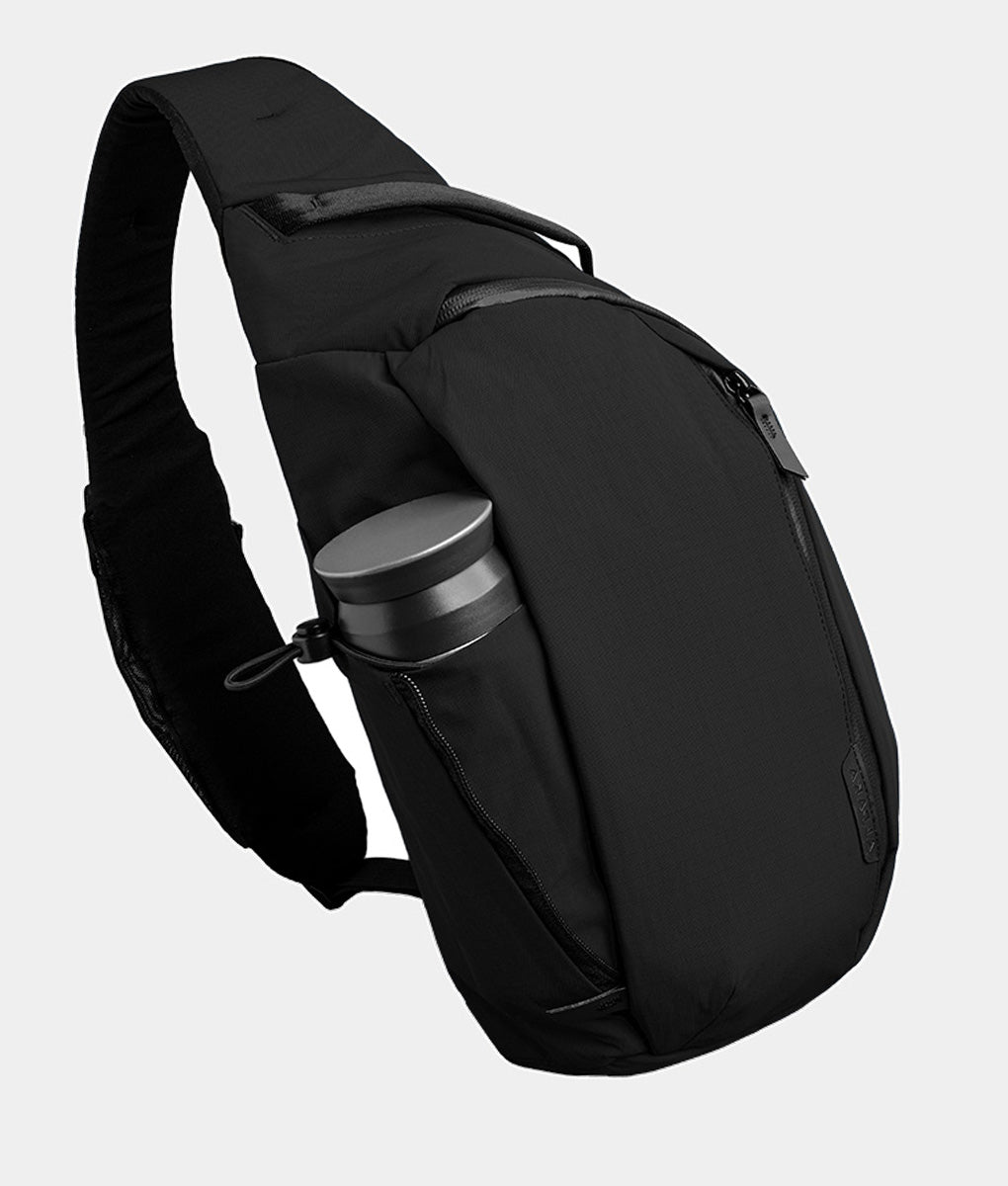
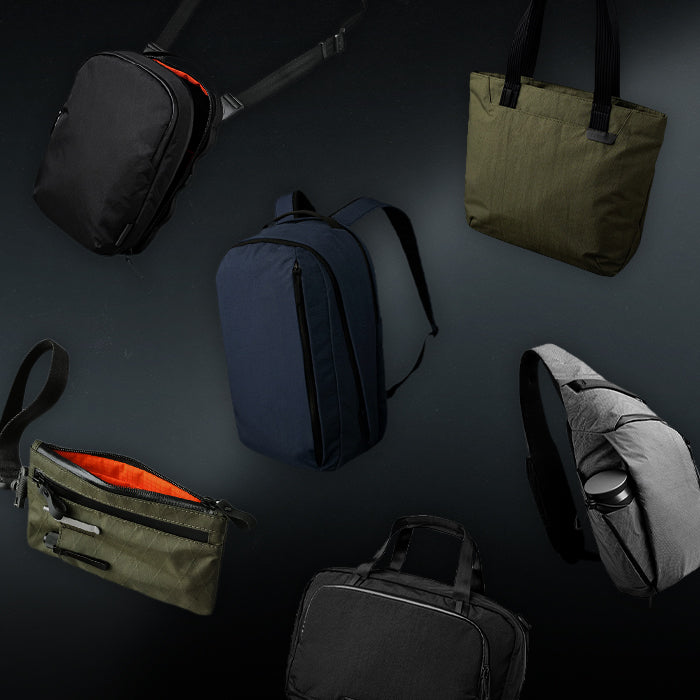
A cross-body sling is the most efficient way to do this. It sits against your body, keeps your phone and documents in quick-reach pockets, and leaves your hands free for luggage, coffee, or wrangling a carry-on through the jet bridge. Our favorite is the Flight Sling 1L that is designed around this exact airport sequence, with a flat profile that clears armrests, seatbelts, and narrow aisles without snagging.
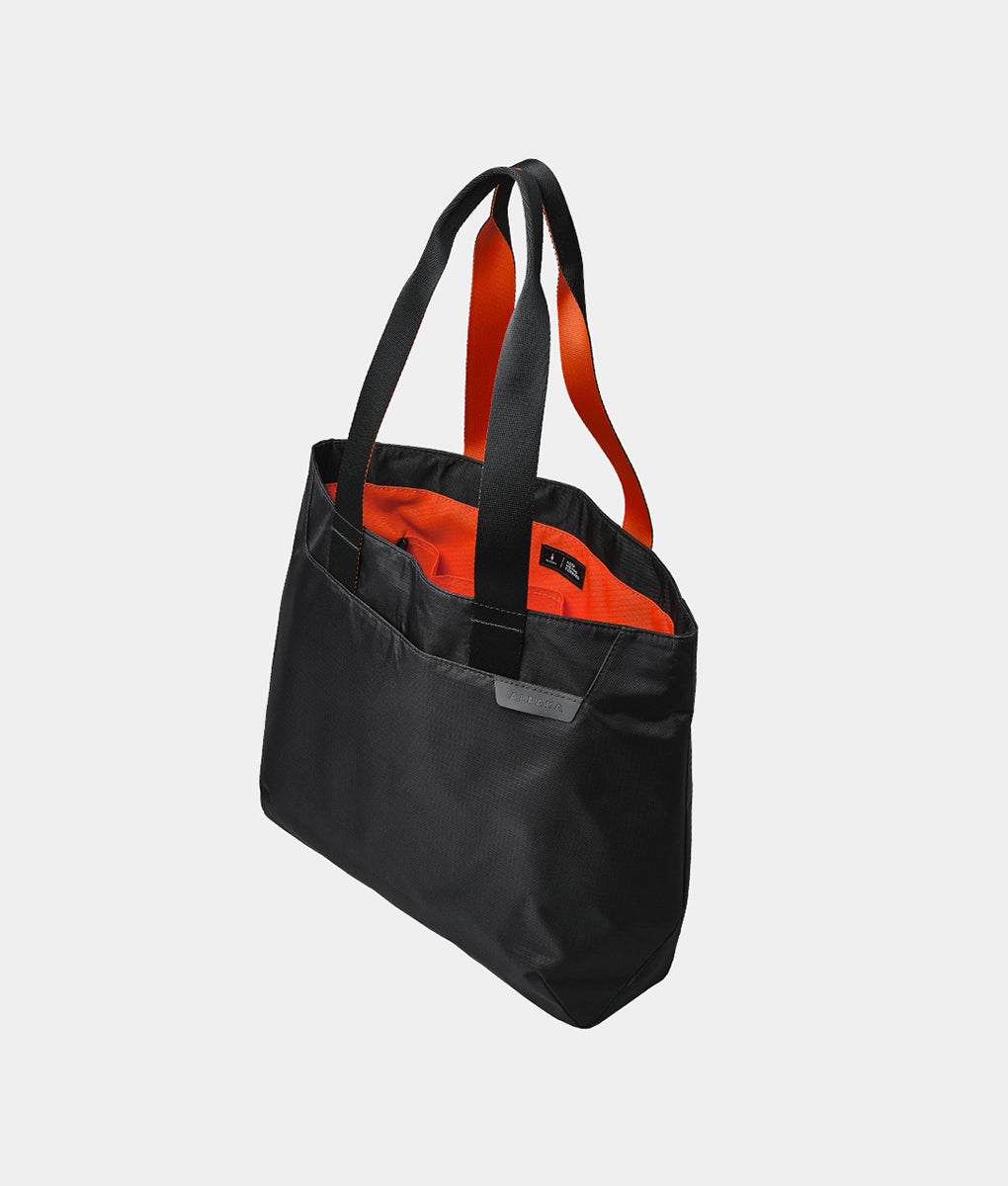
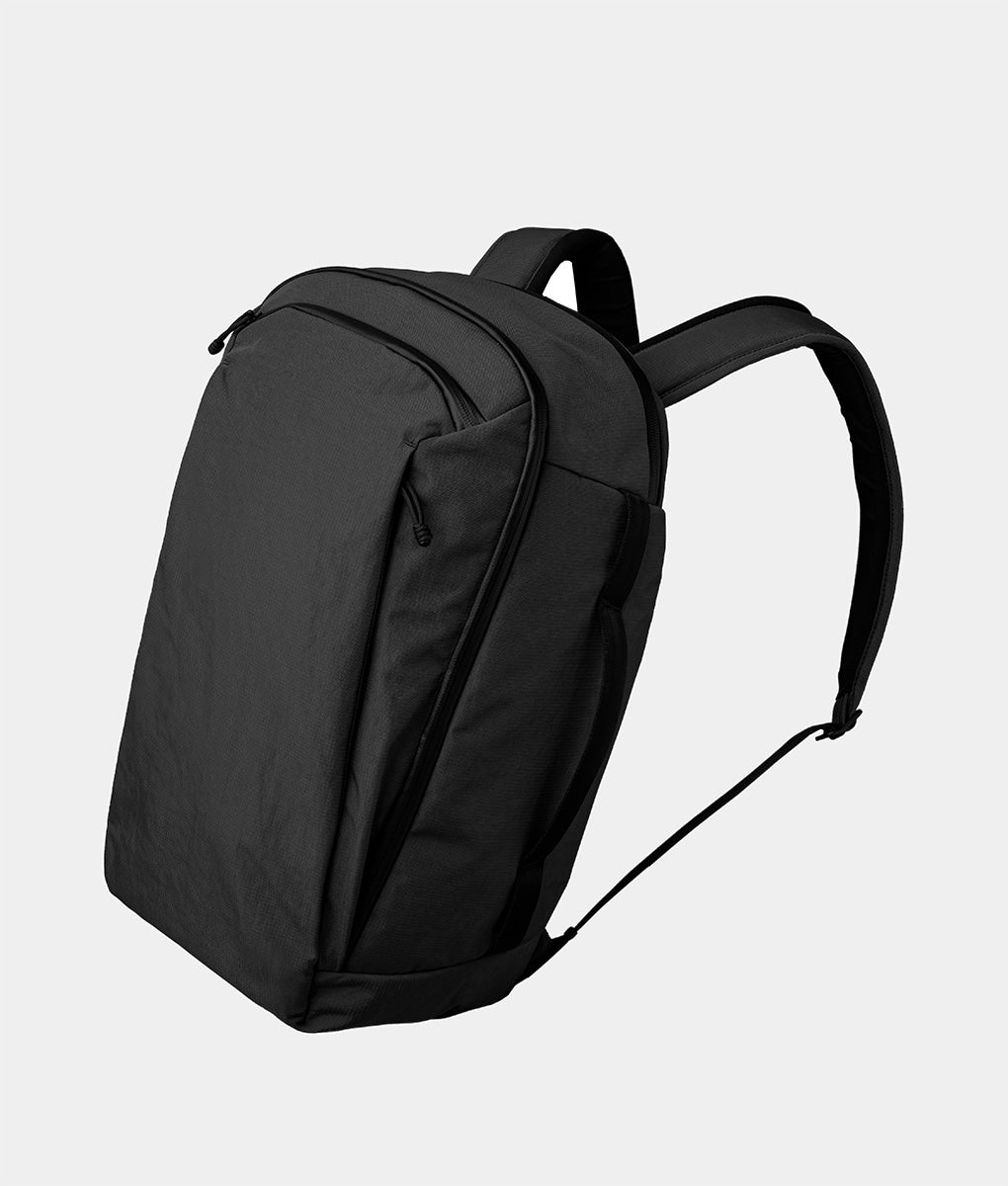
If you need a bit more room for a tablet or extra layers, the Flight Sling 2L adds capacity without changing the cross-body profile. For travelers carrying a laptop or packing for longer trips, the Flight Tote M or Flight Tote L handles the larger load while keeping the same emphasis on intuitive pocket placement.
One more tip for the security line: wear shoes you can slip on and off quickly, and keep your laptop and liquids bag near the top of your carry-on. These two small moves cut your screening time in half and reduce the stress of holding up the line behind you.
The Gate Wait: Top Off Everything
The gate is the last reliable place to charge before you are at the mercy of whatever your seat offers, which on many aircraft is nothing. Treat this as your final power window.

Charge Smart, Not Heavy
Most travelers carry a power bank that is either too big (takes up half the bag and barely gets used) or too small (dead by the time they actually need it). The sweet spot is something compact enough to clip onto your bag or keychain so you actually have it when your phone dips below 20%.
The Twelve South PowerClip fits this description. It clips to your bag or keys with a zinc-alloy carabiner and supports passthrough charging through a secondary USB-C port. Plug it into a gate outlet and it tops itself off while simultaneously charging your phone. One cable, both devices ready by the time your zone is called.
Consolidate Your Chargers
If you are an Apple device user carrying an iPhone, Apple Watch, and AirPods, you know the charger math: three devices, potentially three cables. That is a lot of wall time at a gate with limited outlets.
The Twelve South ButterFly collapses that down to one compact MagSafe charger. It is about the size of an AirPods Pro case. Unfold it and you get a MagSafe pad on one side and an Apple Watch magnetic fast charger on the other, both running off a single USB-C cable. AirPods Pro (2nd generation) can charge on the Apple Watch side, so you can power your AirPods and iPhone simultaneously.
The broader principle applies regardless of what charger you carry: board with everything at full battery. It changes the entire dynamic of the flight, especially on routes without seat power.
Cruising Altitude: Sound, Screens, and Downtime
The cabin door closes. You reach for your headphones, select a movie on the seatback screen, and hit the wall: a headphone jack. Your wireless earbuds cannot connect.

Make Your Wireless Headphones Work Everywhere
Most seatback entertainment systems still use a wired headphone jack. Your options are usually the cheap airline earbuds, an overpriced adapter from the airport shop, or skipping the seatback screen entirely.
A Bluetooth transmitter is the better answer. The Twelve South AirFly Pro 2 plugs into the headphone jack and pairs with your wireless headphones. It supports two headphones at once (useful for sharing a screen with a travel companion), has physical volume controls, and runs for 25+ hours on a single charge.
It works beyond planes, too. Gym machines, hotel TVs, car stereos: anywhere with a headphone jack becomes Bluetooth-compatible.
Pick Your Entertainment
Once audio is sorted, the remaining question is what to actually do for the duration of the flight. The seatback screen covers some of that, but longer legs demand more than whatever the airline has licensed this month.
Noise-cancelling earbuds are the foundation. AirPods Pro deliver active noise cancellation in a pocket-sized case, and paired with the AirFly Pro 2 , they connect to any seatback screen. Paired with the Twelve South ButterFly, they charge without a separate cable. Even if you do nothing else on the flight, blocking engine noise makes everything more comfortable.
A tablet hits the sweet spot for in-flight screens. The iPad mini fits in a sling or pouch, slots into the seatback pocket without hanging over the edge, and runs a full library of movies, books, games, and work apps. Download what you want to watch before you board, because in-flight Wi-Fi is still unreliable on most carriers.
A portable gaming console turns dead time into genuine downtime for gamers. Handhelds like the Steam Deck, ROG Xbox Ally, or Nintendo Switch 2 give you access to full game libraries on a tray table. Load your library before you board, settle in after the seatbelt sign turns off, and easily slide it back into a bag like our Eclipse Gaming Sling when it is time to land.
Descent and Landing: Pack It Up, Move On
The seatbelt sign is back on. You have about ten minutes to get everything into your bag before the aisle turns into a slow-moving queue.
This is where the access layer you built the night before pays off again. Your tech pouch zips shut around cables and earbuds. Your document wallet already has everything ready for immigration. Your sling goes back across your body for the walk through the terminal.
No loose items. No scramble. You are off the plane and moving while everyone else is still stuffing things into pockets.